> ## Documentation Index
> Fetch the complete documentation index at: https://legalcasemanager.de/llms.txt
> Use this file to discover all available pages before exploring further.
# Schnellstart
## Login
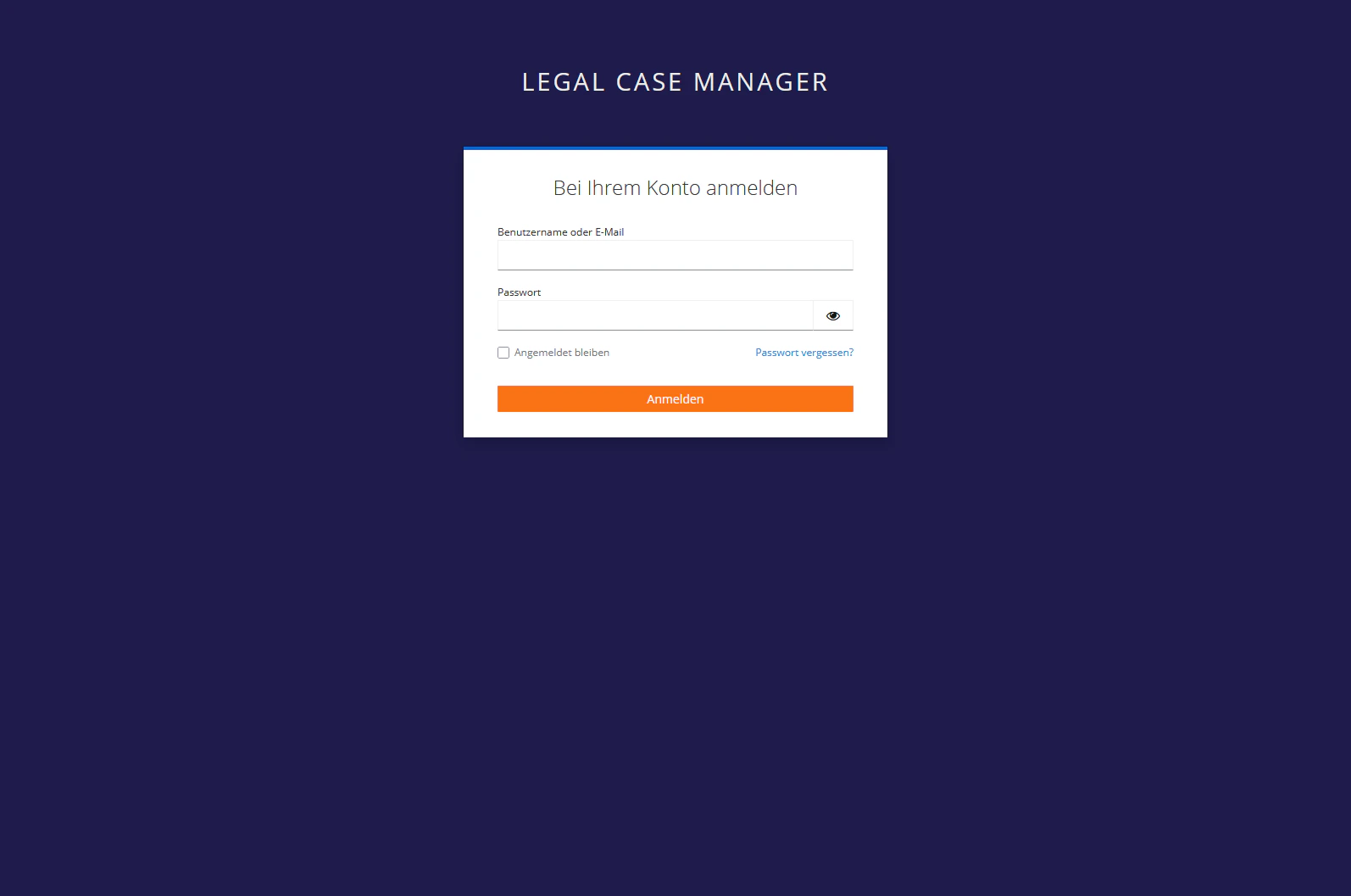 Geben Sie ein:
* Benutzername oder E-Mail
* Passwort
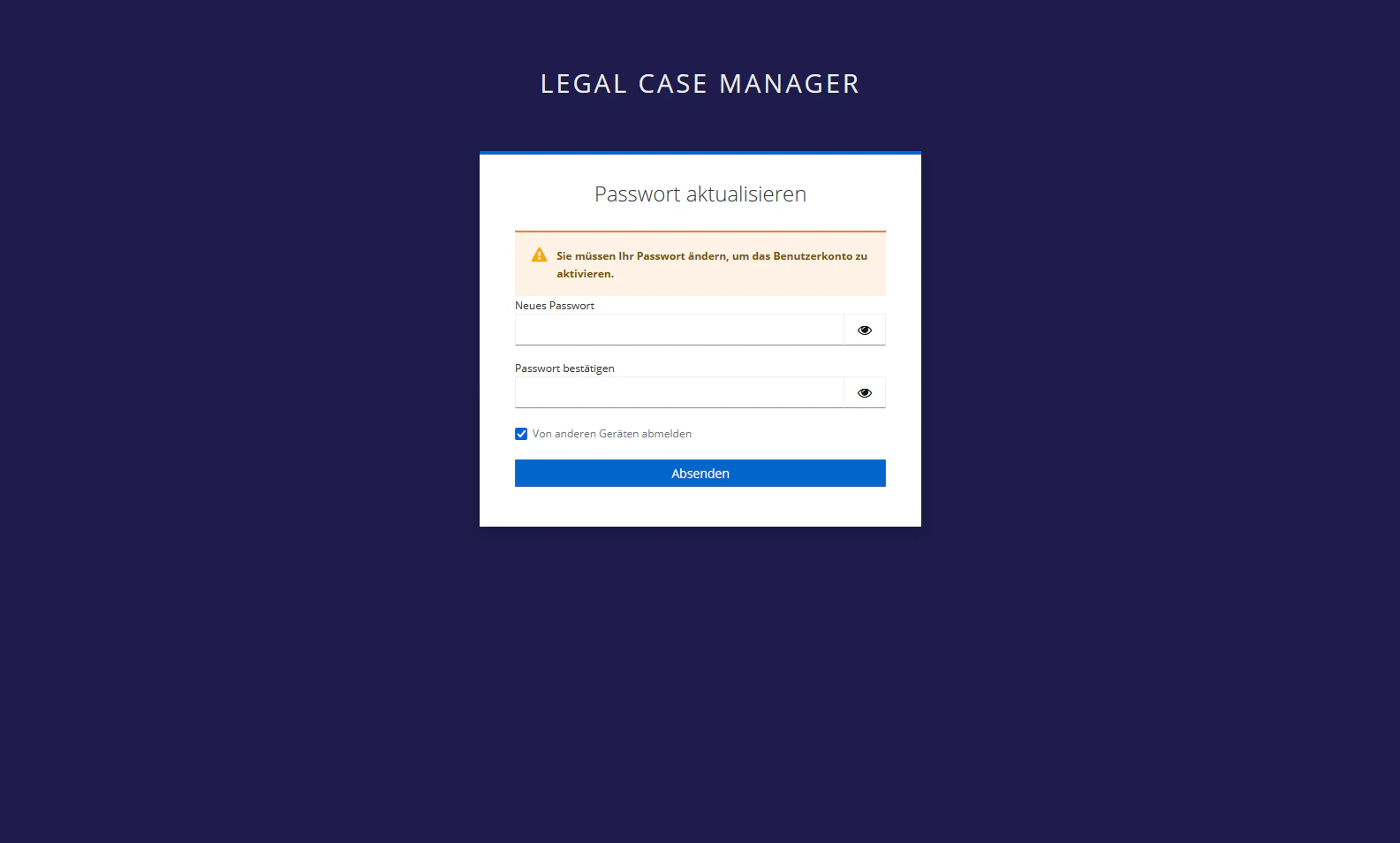
## Passwort ändern
Geben Sie ein:
* Benutzername oder E-Mail
* Passwort
## Passwort ändern
 ## Mehrfachauthentifizierung konfigurieren
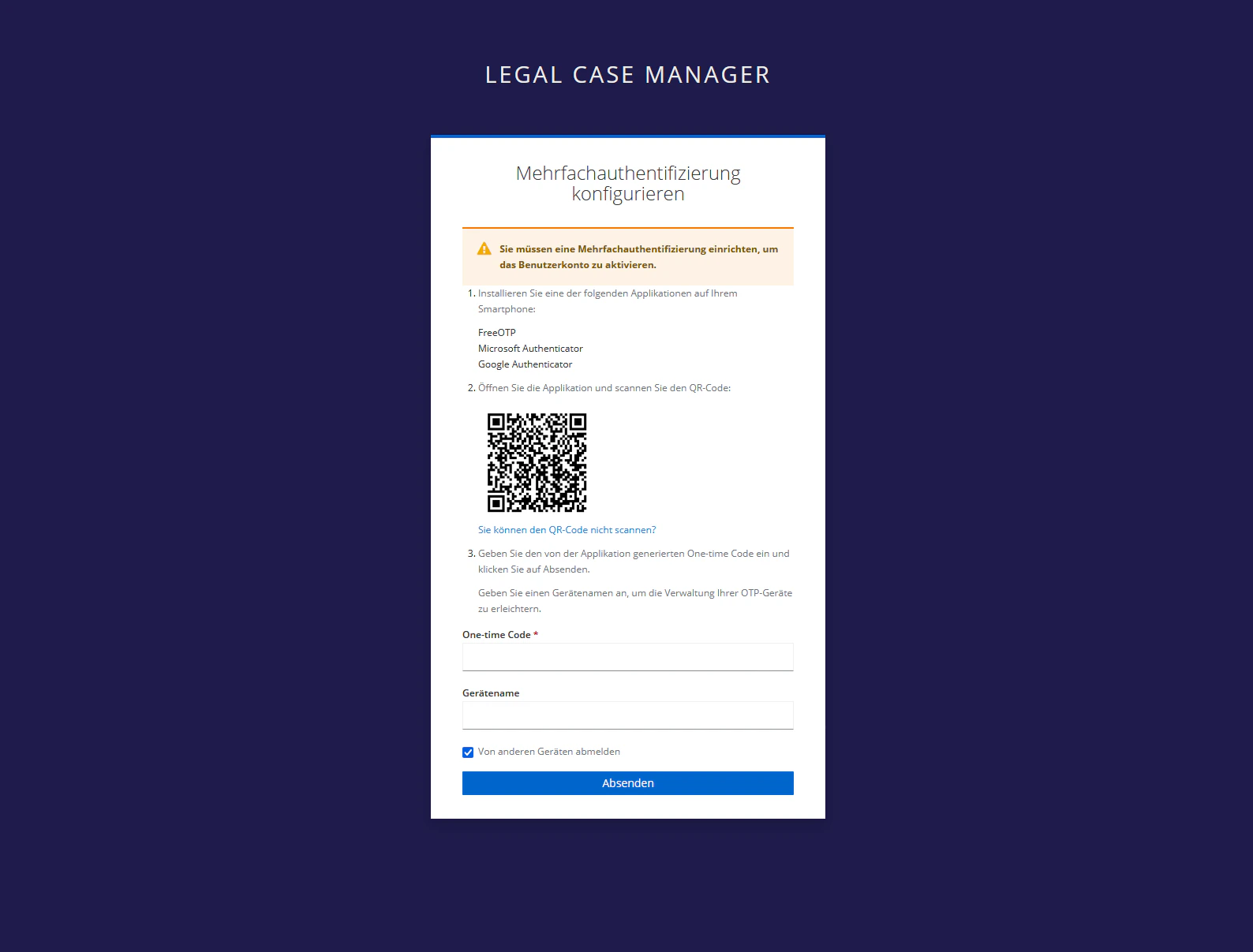 Installation auf dem Smartphone: FreeOTP, Microsoft Authenticator, Google Authenticator
QR-Code auf dem Bildschirm scannen
Code aus der Applikation und einen Gerätename eingeben und auf Absenden klicken.
Zugang zum LCM.
Installation auf dem Smartphone: FreeOTP, Microsoft Authenticator, Google Authenticator
QR-Code auf dem Bildschirm scannen
Code aus der Applikation und einen Gerätename eingeben und auf Absenden klicken.
Zugang zum LCM.